Top Parental Control Routers for 2026?
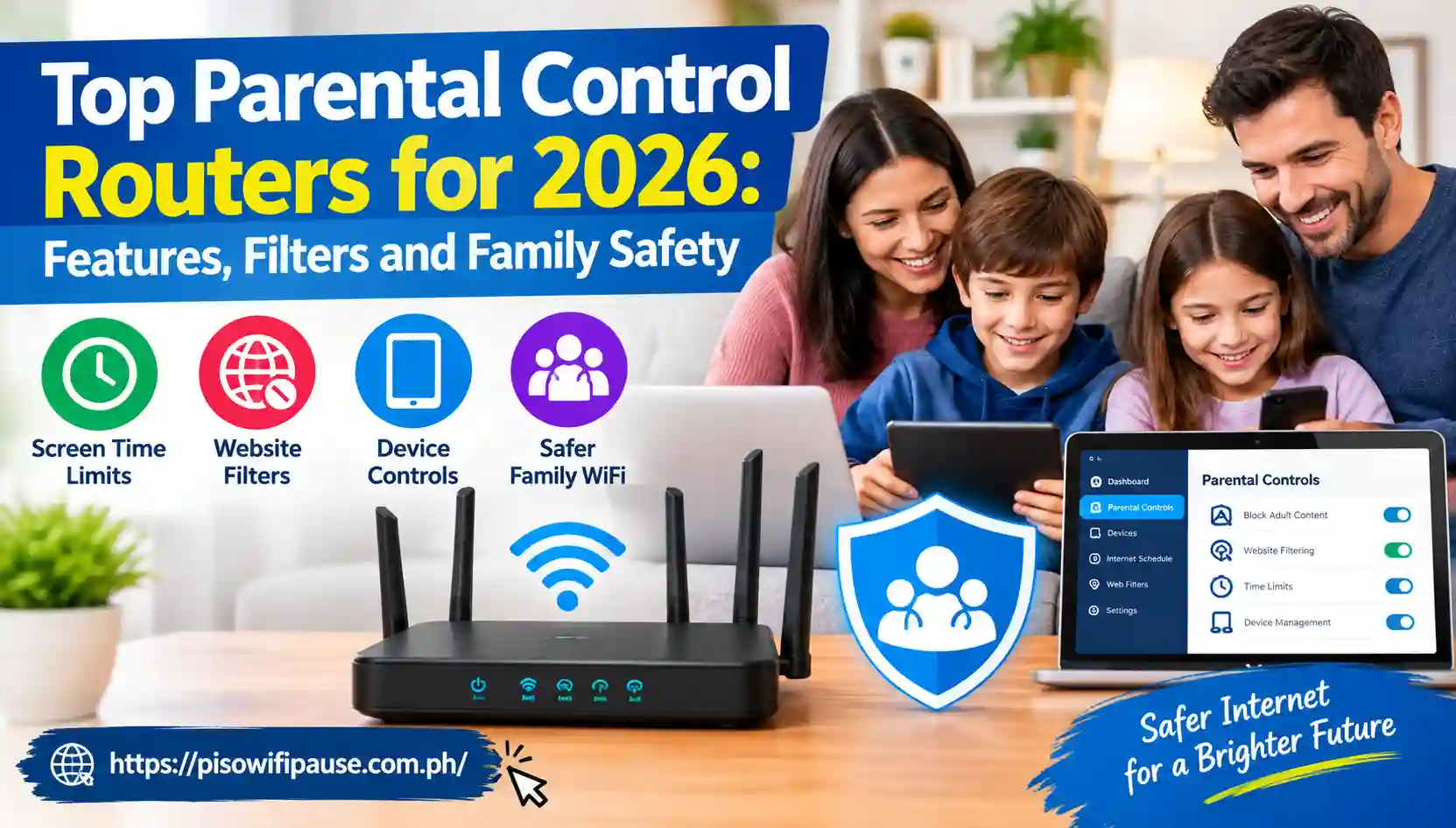
Top Parental Control Routers for 2026: Features, Filters and Family Safety
From studying up on the internet to watching movies online, playing games and posting on social media, the internet has recently become a part of most families’ everyday lives. However, with multiple connected devices, knowing what your children are viewing and when they are connected to the Internet can become challenging. Many of those settings can be accomplished with a router with parental controls.
Modern family routers can do more than just switch off the Wi-Fi at night in 2026. Currently, ASUS-supported routers include family controls like content filtering and flexible scheduling, while TP-Link HomeShield-supported routers include profiles, SafeSearch, YouTube restrictions, time limits and Family Time. Top Parental Control Routers help parents manage children’s internet access easily. They offer useful controls for safer and more organized browsing.
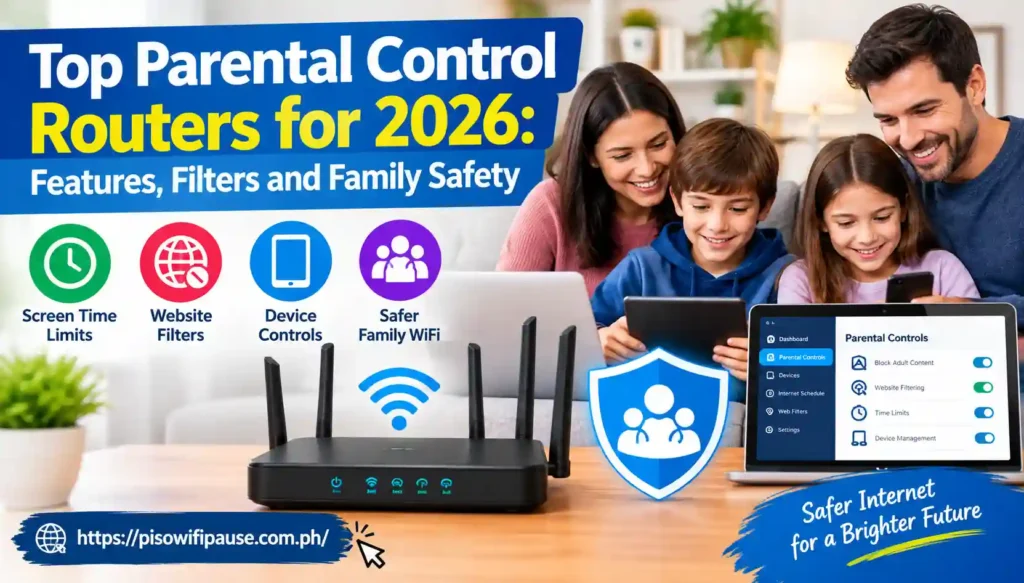
This guide will include information about the best parental control routers for various households and what to look for when in the market for a parental control router.
Parental controls are now built into many modern routers
A parental control router operates on the network level, rather than through installation of monitoring software on a single phone or tablet. The rules that are associated with the devices or family profile can be used when a child’s devices are connected to the home Wi-Fi.
The details of the features vary by the manufacturer and model. There are certain systems that can have age restrictions, bedtime settings, daily time limits, internet blocks, app limits, activity information and website filtering. With Top Parental Control Routers, parents can set internet schedules and manage connected devices. These features make home 10.0.0.1 Piso WiFi easier to control.
This is why the router is a crucial component of your family’s digital safety system. While parents used to have to make different settings on a phone, tablet, television and gaming console, they can make all those settings from one spot.
ASUS provides extensive controls without a separate subscription on supported models
If you’re looking for parental controls with network security, you might want to consider ASUS. Its AiProtection platform comes with a number of family-safety settings, including content filtering, age-appropriate presets, controls for individual applications, flexible scheduling and an internet activity dashboard and is integrated with compatible ASUS routers. Top Parental Control Routers allow you to limit access to specific websites and online services. This can help create a more family-friendly network.
ASUS’ Router app also offers parental controls. Parents may set up a family member profile, choose the devices that belong to that family member and set up an offline schedule. According to ASUS’ March 2026 support document, it is important to check the compatibility of models and update the firmware of the router before configuring parental controls.
eero and Gryphon focus on simple app-based family management.
eero’s approach to parental control is more oriented towards the application. It has core controls that enable families to make profiles, set devices, set timers for how long users can use Wi-Fi and pause devices and view a list of those connected to the network.
In his July 2026 update, eero said that all eero users have access to these simple parental controls. With the current eero system, parents can add restrictions to individual profiles and select preset levels, which include Pre-K, Pre-Teen, Teen and Adult.
There’s another name that often comes up when talking about a parental control router; that is Gryphon. Family management is one of the primary attributes that make up the design of Gryphon.
According to the January 2026 HighSpeedInternet.com review of the Gryphon AX, it has some features for parents, like parental controls and IoT isolation, which require a subscription for advanced features. It was included in the same review and was described as a “mesh-oriented” solution with a max advertised throughput of 4300 Mbps.
Content filtering can reduce exposure to unsuitable websites
Modern parental-control solutions can block entire categories of content, instead of blocking individual sites, one at a time. Depending on the system, parents can choose to limit access to adult content, inappropriate sites, social networks, streaming sites or other types.
Content filtering is currently marketed as a feature of ASUS’s AiProtection family-safety package and eero Plus has the ability for parents to select age groups and categories.
These are all tools to help minimize unwanted exposure and should be used in conjunction with communication and device-level safety settings, not in lieu of them. Before choosing Top Parental Control Routers, compare their control features, WiFi performance, and setup options. Select a router that fits your family’s network needs.
Check whether the parental controls are free
The term “parental controls” doesn’t necessarily imply that all features will come standard on the router. ASUS claims that its AiProtection doesn’t require any payment.
TP-Link offers some HomeShield capabilities for free, but also offers some advanced controls for a fee; eero offers some basic parental controls for free and some more advanced features within eero Plus.
For instance, according to the current TP-Link pricing lists for May 2026, Advanced Parental Controls costs $2.99 a month or $17.99 a year. eero Plus, according to current pricing lists for May 2026, is $9.99 a month, or $99.99 a year. The above is a summary of the prices, which may vary by region.
Router-level controls have important limits
The best parental control routers can’t help you deal with everything. Typically, the restrictions from the router are in place when the devices are connected to the home network. A child’s home network router may not be as visible or controlled if the child turns on cellular data on the smartphone or connects to another wireless network, or uses some privacy features.
Parental controls can be paired with the factory-installed Android, iOS, Windows, gaming console and streaming device settings. House rules are also vital, as there are situations online that can’t be solved by technical means. Parents can use Top Parental Control Routers to create different access rules for different devices. This provides more flexibility when managing home WiFi.
Conclusion
The most effective parental control routers for 2026 provide a lot more than just an on/off switch for the internet. Profiles, content filters, schedules, device pauses, app restrictions and activity information can empower parents with more control over the home network.
There are a few different strategies followed by ASUS, TP-Link, eero and Gryphon, so it’s crucial to look at their associated features and subscription facts before purchasing.
Don’t just take a router for its capability of high-speed Wi-Fi, but instead consider what your family needs. A reliable router has user-friendly settings, has acceptable filtering capabilities and pricing is a great help in maintaining a connected household.
FAQs
What is a Parental Control Router?
A parental control router is a router that has an additional feature that enables parents to control the Internet access of the networked devices. These features may range from content filtering, profiles, schedules, time limits, and pausing internet access, etc., based on the respective model.
Which Routers Have Parental Controls In 2026?
There are a number of router brands or mesh systems available that have parental control capabilities, including ASUS, TP-Link, eero and Gryphon. What controls are available depends on the model, firmware, region and subscription plan.
Are router parental controls free?
Some are. According to ASUS, AiProtection is free and does not require a subscription on supported routers. Some advanced features in TP-Link and eero are reserved for paying customers, while the basic features are offered without paying a penny.