How To Improve Cell Phone Signal Range
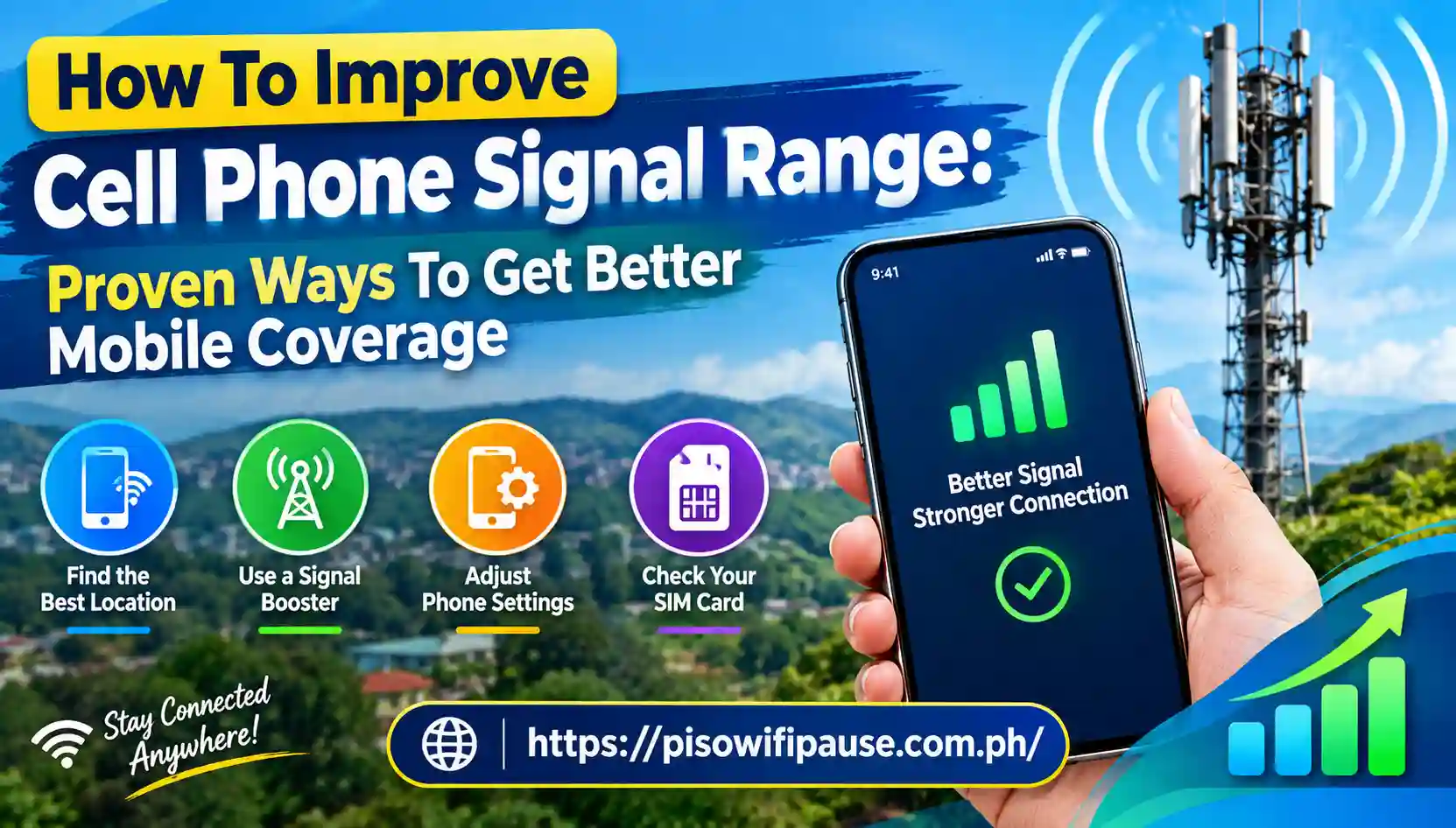
How To Improve Cell Phone Signal Range: Proven Ways To Get Better Mobile Coverage
So tell me, has there ever been a time when you walked around your own home, held the phone closer to a window or went outside merely to finish up an important call without interference? Weak cell phone signals can cause dropped calls, slow internet surfing speeds, poor connections and are a great frustration for the average person.
Your mobile phone signal range is influenced by various factors such as distance to the cell tower or antennas, obstacles around you, network technology (3G, 4G, 5G) and more importantly your mobile phone condition. This guide will teach you how to amp it up so that mobile signal strength improves and connection problems are a thing of the past providing cell phone coverage in your home with at work and while traveling. From a basic phone tweak to complex signal solutions, these tips may help you improve your connection. Improve Cell Phone Signal Range: Proven Ways To Get Better Mobile Coverage.
Why Does Cell Phone Signal Range Become Weak?
The range of a signal is how far a cell phone can communicate with a mobile network tower nearby. When your phone is in a strong coverage area calls connect fast and mobile data works flawlessly. Various environmental and technical aspects can decrease signal quality.
Physical barriers come into play as well. Concrete walls, metal structures, brick buildings and energy-efficient window coatings can obstruct or weaken cellular signals. This is why you see that individuals receive better signal outside than in buildings.
Another issue you often have to deal with is network congestion. If multiple users connect to a tower simultaneously, there is much less available bandwidth for each user, thus slowing mobile data speeds. This most often occurs in specific environments during events or late-night hours when areas are busy.
Move Your Phone to a Better Location for Stronger Signal Range
One of the simplest methods to increase cell phone signal range is changing your location. The fewer obstacles between your phone and the nearest tower, the better mobile signals you get. Try to get as low and flat as you can if you are trapped; focus on moving away from a building, protrusion or tree. Windows, of course, are not as thick as interior walls and generally permit signals to penetrate more easily. Even just relocating from a basement or below-ground area to the first floor can yield noticeable improvement.
This is because the path between you and your nearby towers is less obstructed (fewer objects blocking the chance of your phone relaying a signal), which generally suggests you are more than likely to acquire a much better reception. If reception is marginal in your home, try checking the roof, a balcony or an open area outdoors. Improve Cell Phone Signal Range: Proven Ways for Better Coverage.
Switch Between 5G and 4G LTE Networks
Most people believe 5G always gets a stronger signal than 4G; this is not actually the case. While 5G provides faster speeds and lower latency, its coverage range may vary for different frequency bands and deployment scenarios.
So wherever 5G coverage is weak, it may be better to switch to 4G LTE for a more stable connection. A well-functioning 4G connection can beat a poor 5G signal. Most current smartphones choose the optimal available network automatically but you can verify your favorite community settings yourself.
This Option can be found in Android Devices usually under :
- Settings → mobile network —> preferred network type
- Opt for the most stable network available to you in your place as it can assist in improving cell indicator energy and connection reliability.
Check Your Signal Strength Instead of Relying Only on Signal Bars
The bars on your phone indicate a rough approximation but not the actual quality of signal. Signal strength in dBm depends on how accurately you want to measure.
Generally:
- -50 to -70 dBm is the range of excellent signal strength
- -70 to -85 dBm is good coverage
- Reception APP Signal: -85 to -100 dBm Weak
- Usually, below -100 dBm indicates a very weak signal
You should be able to see what your actual signal strength is, which can then aid in determining the best location to use inside of your house or workplace. Check the details of the network, such as Signal level, connected Towers and Network bands with several Android apps. Improve Cell Phone Signal Range: Proven Tips for Better Coverage.
Reduce Objects That Block Cellular Signals
Some materials absorb or reflect radio waves which attenuates the strength of incoming signals.
Common signal blockers include:
- Thick concrete walls
- Metal roofing
- Large appliances
- Underground rooms
- Dense building materials
You can try moving your desk around or placing your phone away from large metal objects to listen a little better. Signal range can also be influenced by static obstacles outdoors. Signal strength may also be reduced with moisture.
Use a Cell Phone Signal Booster for Larger Coverage Areas
If none of those free solutions help you improve your connection then a mobile signal booster will assist in extending cellular coverage throughout your house, office or vehicle. Signal boosters receive an exterior cellular signal amplify it and transmit it inside the building with an antenna system.
A typical booster setup includes:
- An external antenna that will pick up signals from nearby towers
- An amplifier to make a loud voice
- An in-room antenna with enhanced signal
Signal boosters require spectrum at the outdoor location as well; they work most efficiently when there’s a current audio signal to be amplified. They are not able to create a cellular signal where no such thing is available. You should verify compatibility with your carrier and local regulations before purchasing a booster.
Conclusion
You do not always need an expensive piece of equipment or a new smartphone to increase the range for cell phone signals. Filling varies from one location to another, so as it changes between locations; simply moving or switching the network mode to 3 different modes may also play a major role in getting high filling through mobile settings (Software Change) Also you can reset your device’s network settings and reduce physical barriers.
In the case of getting weak signals, Wi-Fi calling and signal boosters or switching devices, can provide a more reliable connection, given that you will get coverage on multiple devices. The important part is knowing what causes weak signals and the appropriate treatment in your scenario. Improve Cell Phone Signal Range with Piso WiFi: Better Coverage.
Having a strong cell phone signal translates to fewer dropped calls, faster mobile data and a more dependable connection when you need it. Using these tips, your phone will retain connection better and give you more from your mobile network.
FAQs
Can restarting my phone improve cell signal?
You can shift near windows, higher floors or any open spaces, remove signal obstructions, turn on the Wi-Fi calling feature or use an eligible signal booster to mitigate this reception issue.
Does switching from 5G to 4G improve signal strength?
In some areas, you might get a more reliable connection by reverting 5G to 4G LTE.
Do cell phone signal boosters really work?
Yes, at least if there is an existing outdoor cellular signal: certified boosters do improve indoor coverage.
Will cell signal improve if I restart my phone?
Restarting your phone or turning airplane mode back and forth can refresh your network connection thereby making your phone to connect again to a stronger available signal.
Is cell reception better on a new phone?
Newer devices generally perform better in terms of reception.