How To Protect Your Computer Against Virus and Malware
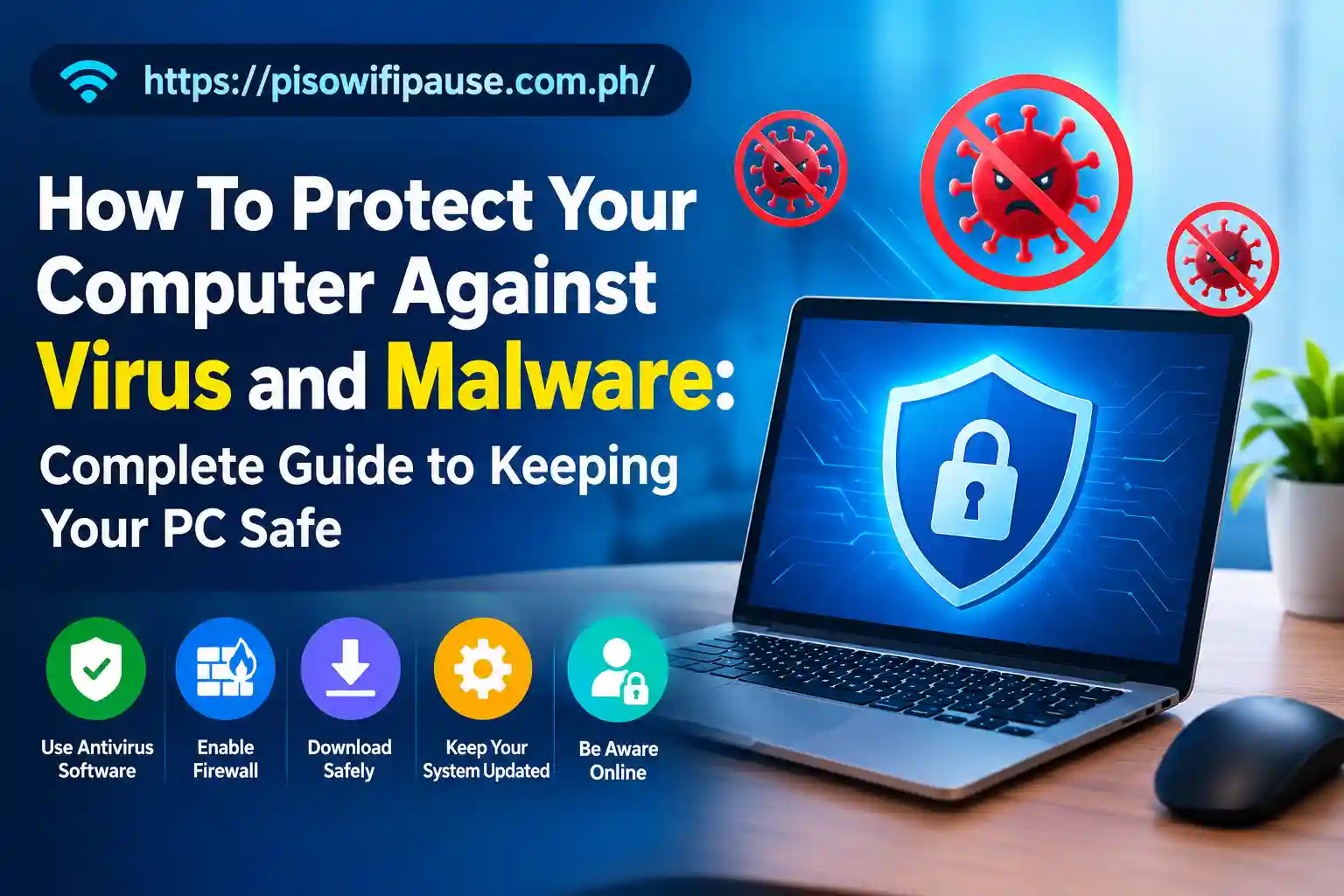
How To Protect Your Computer Against Virus and Malware: Complete Guide to Keeping Your PC Safe
What if when you woke up next morning, you turned on your computer and found out your essential documents have vanished, the access to all of your accounts has been broken into or even that your device is fuly slown down??
These circumstances have become common phenomena because cybercriminals are constantly creating computer viruses and other types of malware that damage systems to steal information, harm devices, and exploit users. It is important to protect your computer virus, malware, and privacy because it can lead you to lose important data or avoid catastrophes.
Modern malware can affect anyone from the smallest home users to large organizations. Fortunately, you do not need expert skills to make your computer more secure. With the proper precautions in place and up to date software, hardware and safe habits while browsing the internet; you will reduce the chances of getting infected.
This guide lays out methods to protect your computer from the virus and malware, give clear indicators of infection, and professionally remove a threat should you get it.
Understanding Viruses and Malware: What You Need to Know
Before we start actually protecting your computer, you need to understand what malware is and how it can affect your computer. Malware is really just a catch-all term for malicious applications meant to damage computers, steal data or access systems without authorization.
A computer virus is a type of malware that attaches to real files or applications and proliferates when users open or share fragmented files. But malware consists of far more than that, including worms, ransomware, spyware, trojans, adware and keyloggers.
Trojan pretends to be real software to get users to install it, and spyware runs in the background without drawing attention while accessing their activities like passwords and browsing behavior. Ransomware is one of a most dangerous kinds of malware that can encrypt their personal files (essentially like scrambling the data) and they have to pay money in order to unlock it.
Why Protecting Your Computer Against Malware Is Important
When a computer becomes infected with malware, it does far more harm than just slowing your machine. Malicious software is used by cybercriminals to steal personal information, track online activity, disseminate scams, and remotely control infected devices.
One major risk is data theft. Malware can harvest usernames, passwords, banking information and personal files. If this is compromised for your accounts, the attackers can use your identity to carry out other fraudulent attacks.
Another major threat is ransomware. Ransomware that has infected some computer and locks passwords of important documents pictures and business files. Its a fateful situation where it becomes extremely difficult to recover these files unless one has a proper backup for it
Malware is also capable of decreasing the speed of your system by using computer resources in the background. You may experience slow start-ups, crashes, odd advertisements, or unusual network activity when accessing 192.l68.0.1 router settings.
Recognizing the Common Signs of a Malware Infection
Early detection of malware can stop more harm from occurring. While some malware works away quietly, there are tell-tale signs of many infections. One of the most common signs is a drop in computer performance.
If your computer is slower than usual, applications are freezing often, or the system takes too long to start then feel FREE because malware may use up all of your system resources.
Totally random pop-up adverts in particular once you aren’t surfing the web which could be a sign of adware contaminations. Some malware installs unwanted applications or browser extensions on your device without you even knowing.
Other indicators include disabled antivirus protection, unknown email leaves your account, more internet use than usual, error messages appear more often and/or strange login attempts to online accounts that you did not initiate.
Keep Your Operating System and Software Updated
Software updates are among the quickest yet most crucial methods to defend yourself from viruses and malware on your computer. Older operating systems and applications tend to have security holes that cybercriminals can leverage. To address these vulnerabilities and enhance protection, software companies periodically release updates and security patches.
If on Windows computers, you are trained to regularly check windows update setting and install the updates as they become available. The updates bring significant security enhancements that bolster protection against the latest threats.
Enable Firewall Protection on Your Computer
A firewall is like a security gate for your computer protecting it from outside networks. It tracks incoming and outgoing connections, it is also helpful in blocking unapproved access. Windows has a firewall that you can access from Windows Security.
The firewall protection remains on for an extra layer of defense against malware and suspicious network activity. A firewall is especially helpful at preventing the malware from contacting servers on the internet or attackers from connecting to your device remotely.
How To Remove Virus and Malware From Your Computer
The sooner you act if you think your computer may have malware, the less damage it can do. Then disconnect your pc from the net if you see something surprising. It also can stop malware from communicating with external servers or spreading.
Then perform a full system scan with Windows Security or any other trusted antivirus software. A quick scan scans only the most common areas of infection, and a full scan scans the entire machine for deep-rooted killers. If you encounter malware, follow recommendations from your security software to quarantine or remove affected files. For tricky infections, one method is to restart the computer in Safe Mode.
Conclusion
One should protect their computer from virus and malware with technology, awareness and responsible online behavior. Antivirus software and firewall offer limited protection, most effective when combined with regular updates, secure passwords, safe browsing practices and dependable backups.
While malware threats continue to become more advanced, users can help mitigate their risk exposure with some proactive measures. Steer clear of suspicious downloads, keep your security tools current, turn on extra protection features such as two-factor authentication, and continually scan your computer for aberrant behaviour.
FAQs
How can I protect my computer from viruses and malware?
Update your antivirus software, use system updates such as security updates and patches, avoid downloading files from shady places, create solid passwords, activate two-factor authentication where possible & safe browsing.
What are the common signs that my computer has a virus?
The simple signs include slow speed, surprises while clicking download ads popup, unknown programs started stealing information and disabling or removing Windows Firewall & security tools, some background network activity uses up internet data, random rebooting of the system or other errors arise in the system.
Is Windows Defender enough to protect my computer from malware?
With the configuration enabled and updated regularly, Microsoft Defender has decent out-of-the-box antivirus protection for most users.
Can malware damage my files or steal my personal information?
Yes, malware can delete files, encrypt data and steal passwords, monitor activities and access sensitive information.
How often should I scan my computer for viruses?
Keep the real-time protection turned on and scan for viruses regularly, and after downloading new software, or when a program is exhibiting strange behavior.